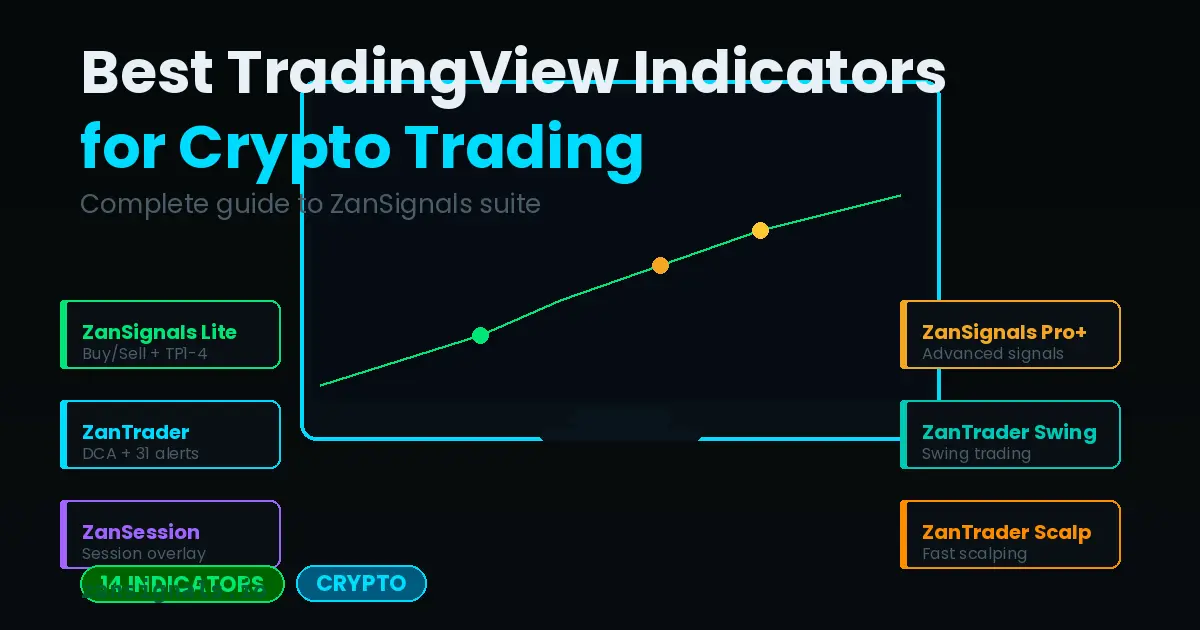
Why Most TradingView Indicators Fail Traders
The TradingView marketplace has thousands of indicators. Most are either repainted, untested, or simply do not work in live markets. After years of trading crypto and forex, we built ZanSignals to solve exactly this problem.
Here is what separates a good indicator from a great one:
- No repainting — signals do not change after the candle closes
- Built-in risk management — TP levels and Stop Loss baked in
- Backtested results — verified over 5+ years of historical data
- Multi-timeframe compatibility — works on 1H, 4H, and Daily
The 5 Best Indicators for Crypto Trading
1. ZanSignals Lite — Best for Beginners
ZanSignals Lite is the entry point into algorithmic trading. It generates clear Buy/Sell signals with automatic TP1-4 levels and a Stop Loss line. No interpretation needed — just follow the signals.
Key features:
- Automatic Buy/Sell signals
- 4 Take Profit levels (TP1-4)
- Built-in Stop Loss
- Works on BTC, ETH, SOL, and 100+ pairs
- Average win rate: 73%
2. ZanTrader — Best for DCA Strategies
ZanTrader is our most advanced strategy indicator. It supports Dollar Cost Averaging (DCA) with 31 custom alert types for automated trading bots.
3. ZanSignals Pro+ — Best for Advanced Traders
For experienced traders who want more than just entry/exit signals. ZanSignals Pro+ includes Color Tracking, Entry Blocks, and automatic Trendline detection.
4. ZanSession — Best for Session Trading
Understanding market sessions (Asia, Europe, America) is critical for forex and crypto traders. ZanSession overlays all three sessions on your chart with clear visual boundaries.
5. ZanTrader Swing — Best for Swing Trading
Long-term swing traders need different tools than scalpers. ZanTrader Swing uses EMA-based structure analysis to identify high-probability swing entries on 4H and Daily timeframes.
Getting Started with ZanSignals
All ZanSignals indicators are invite-only scripts on TradingView, meaning they are private, verified, and cannot be copied.
- Purchase a plan at zansignals.io
- Add your TradingView username in the dashboard
- Open TradingView, Indicators, Invite-Only Scripts
- Add your indicators to any chart