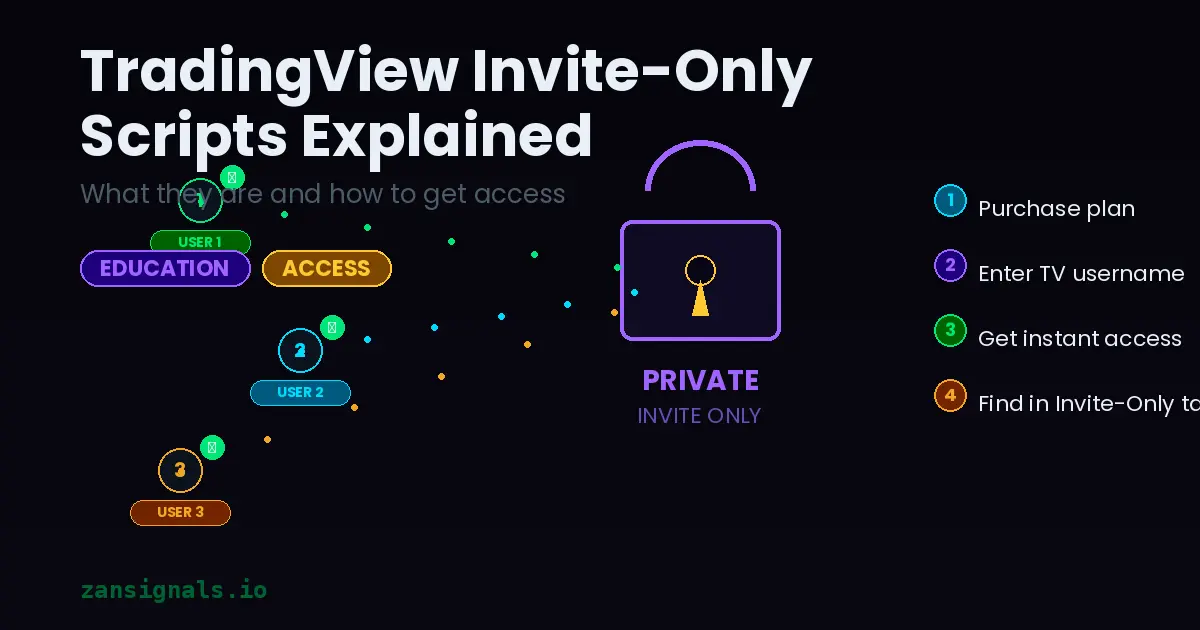
What Are Invite-Only Scripts on TradingView?
TradingView has three types of published scripts: open-source, protected, and invite-only. Invite-only scripts are the most exclusive category — the author controls exactly who can access them.
Unlike public scripts, invite-only indicators cannot be copied, forked, or reverse-engineered. The code is completely hidden, and access is granted manually by the publisher on a per-user basis.
Why Do Developers Use Invite-Only Protection?
Protecting proprietary algorithms: Years of research and backtesting go into building a reliable indicator. Invite-only protection prevents competitors from simply copying the logic.
Controlling quality: When access is limited, developers can ensure users understand how to use the tool properly.
Subscription business model: Invite-only scripts enable sustainable development. Revenue from subscriptions funds ongoing improvements, support, and new features.
What to Check Before Buying Access
Backtesting results: Ask for verified backtest data on multiple symbols and timeframes. A good developer will share this openly.
Refund policy: Reputable providers offer a trial period or money-back guarantee.
Support and documentation: Is there clear documentation? Can you contact the author with questions?
Community feedback: Check TradingView comments, Reddit, and Telegram for independent user experiences.
Accessing Invite-Only Scripts
Once you purchase access from a provider, they will add your TradingView username to the allowed list. After that:
- Open TradingView on any chart
- Click Indicators in the toolbar
- Navigate to the Invite-Only Scripts tab
- Your scripts will appear there ready to use
Access is tied to your TradingView username, not your email. Make sure to provide the correct username when purchasing.